
About This Product:

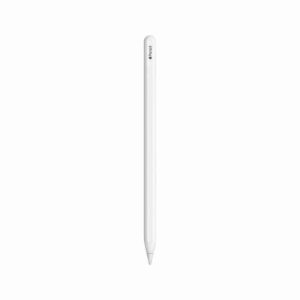
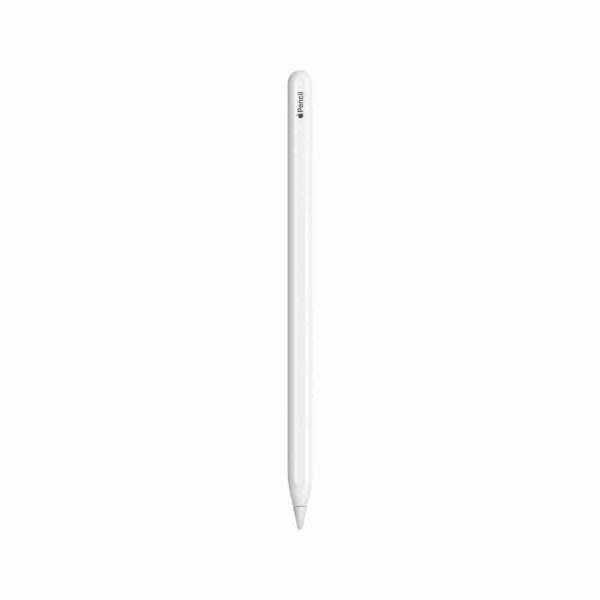
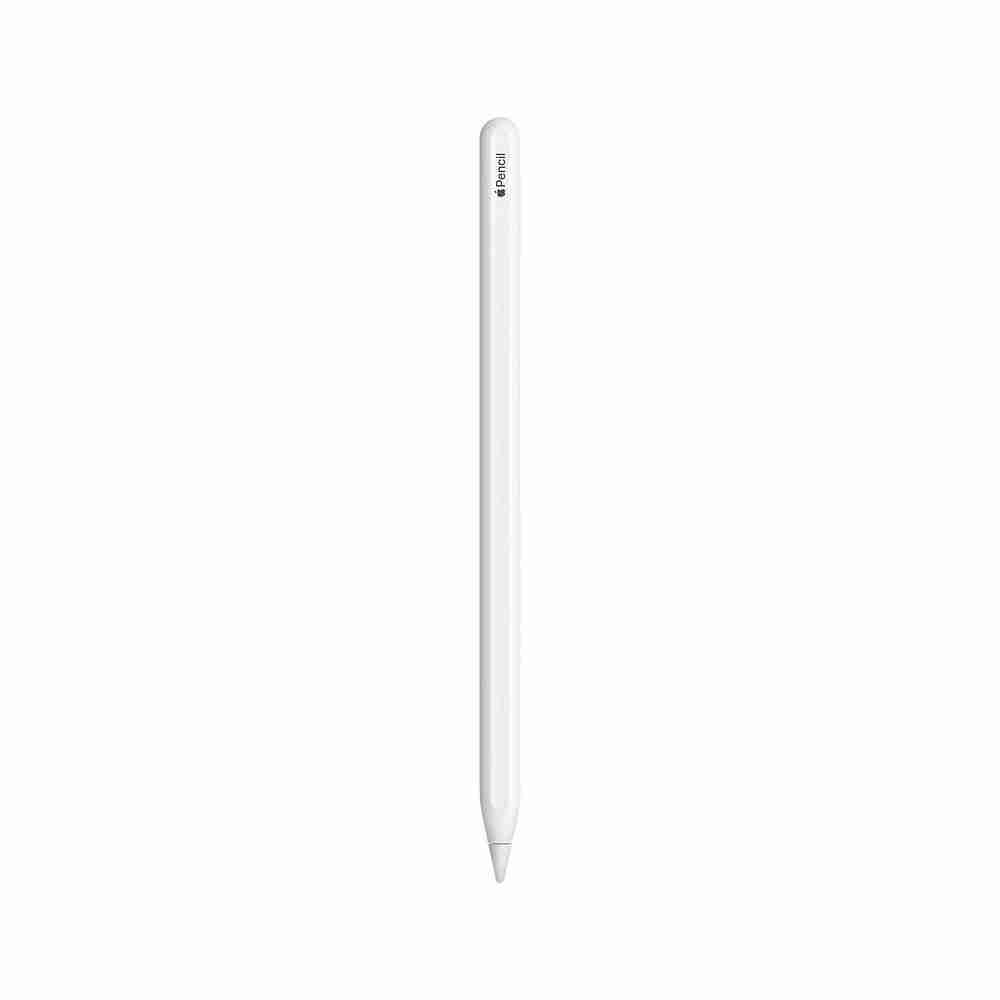
Newest iSkey ipad pen designed to unleash your imagination and creativity, is a great replacement for Apple Pencil 2nd Generation!
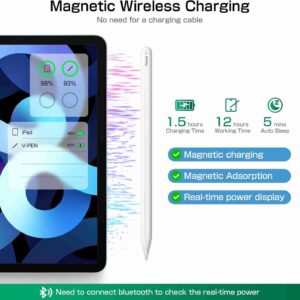
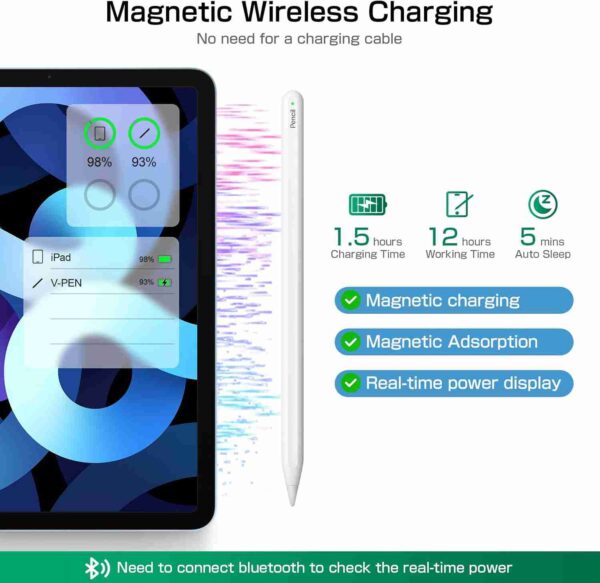
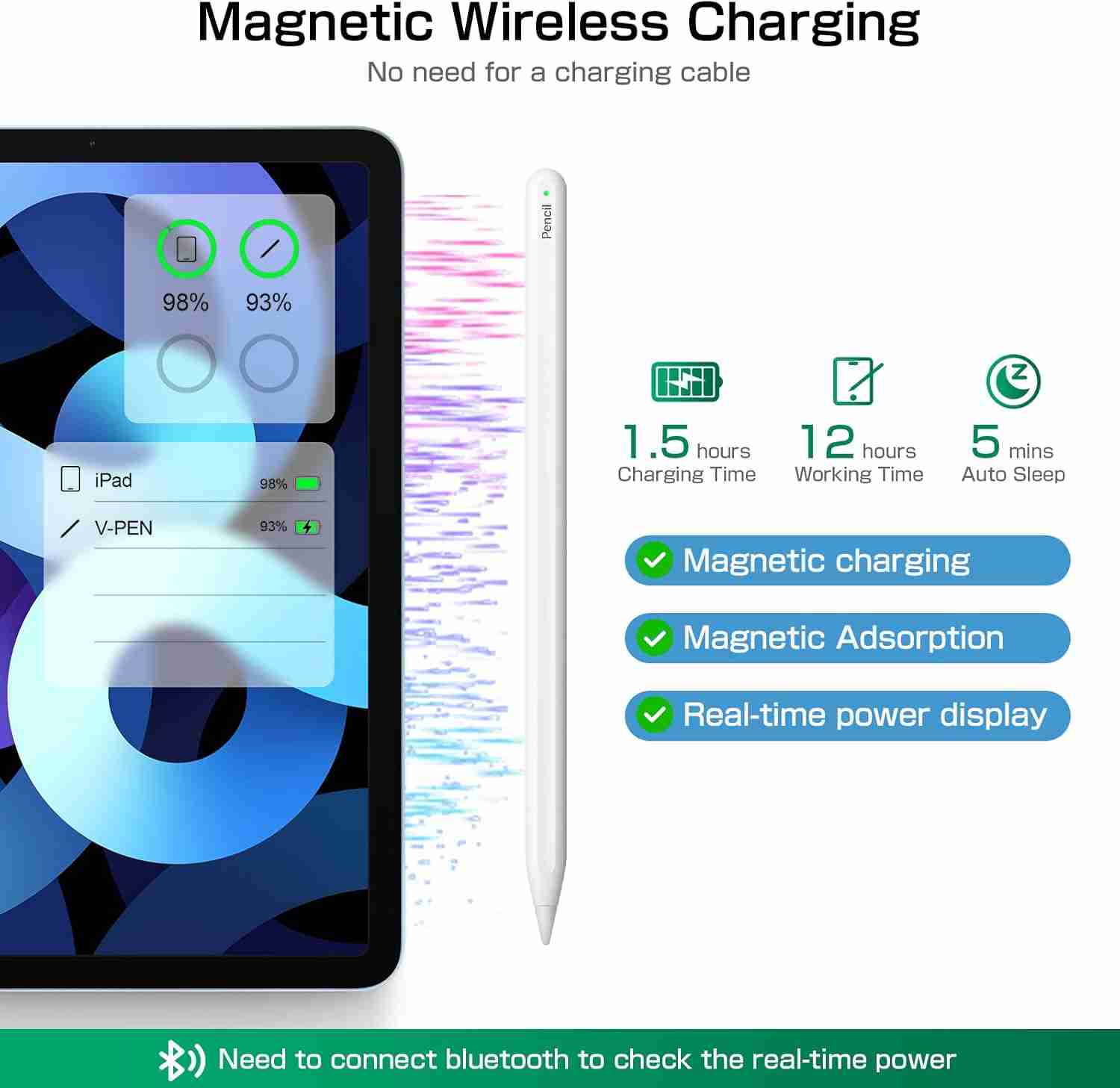
• Without the charging cable design, magnetically attach to the side of the iPad and wirelessly charge at any time.
• After connecting via Bluetooth, the battery level will be displayed in real-time.
• Pixel-level ultra-high precision and sensitivity, no disconnection, 0 lag.
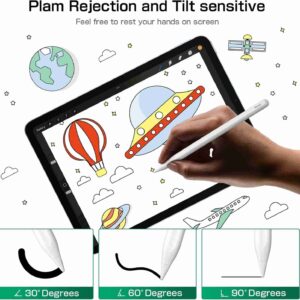
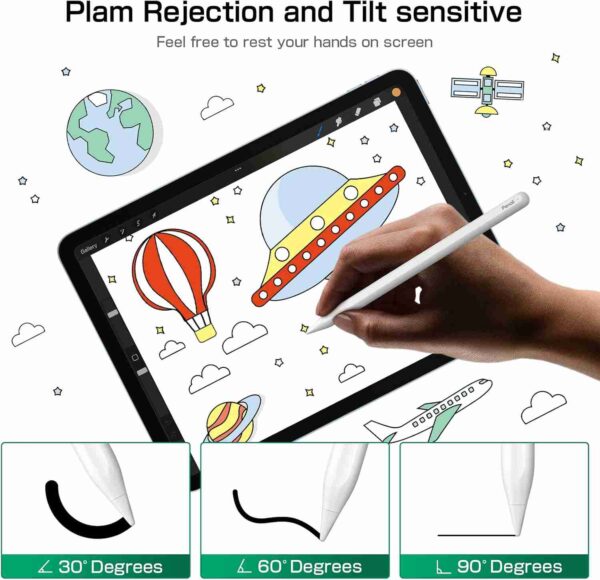
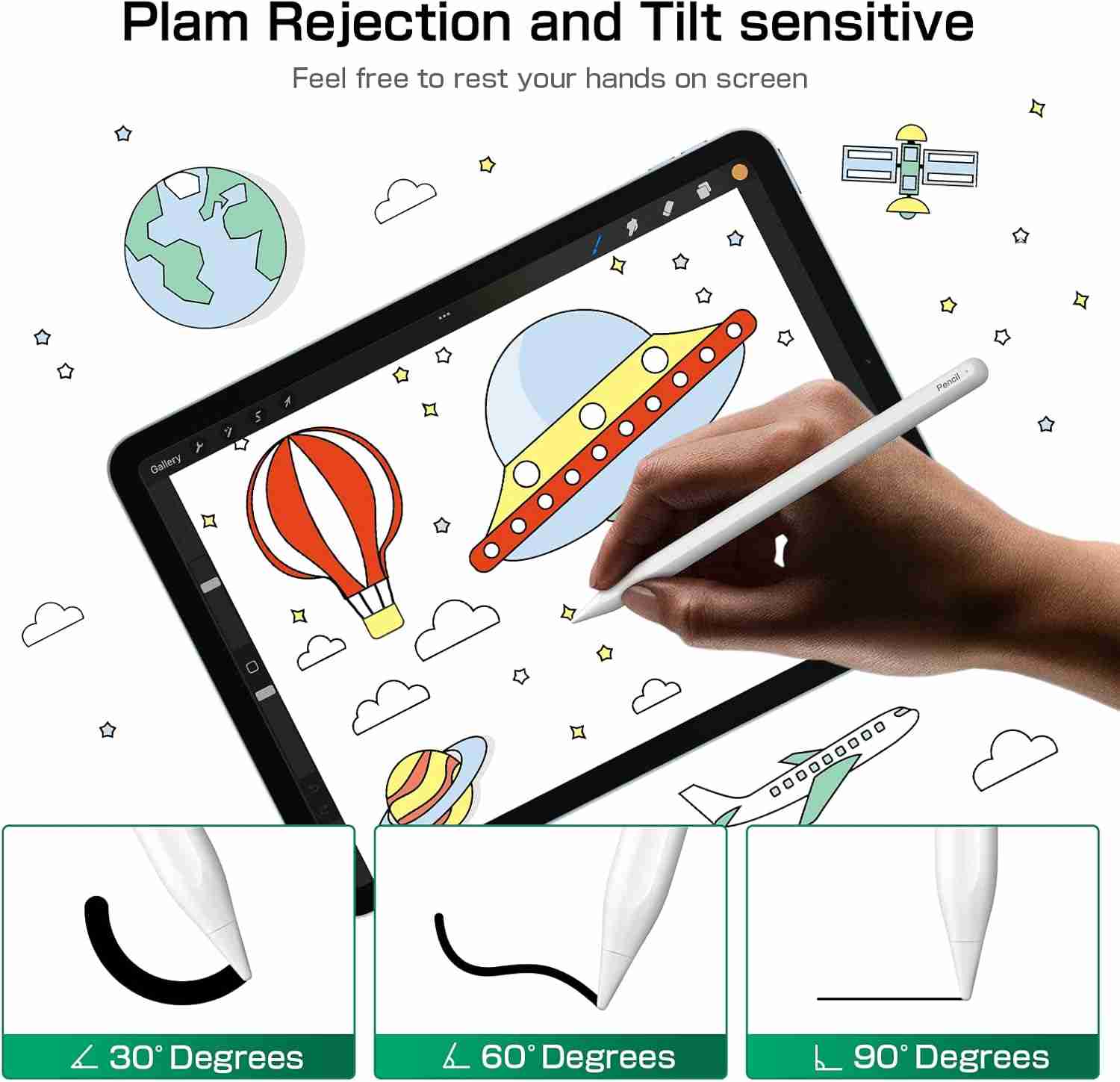
• Palm rejection function, freely place your hand on the iPad screen.
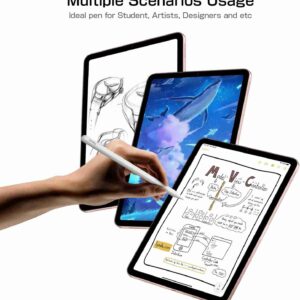
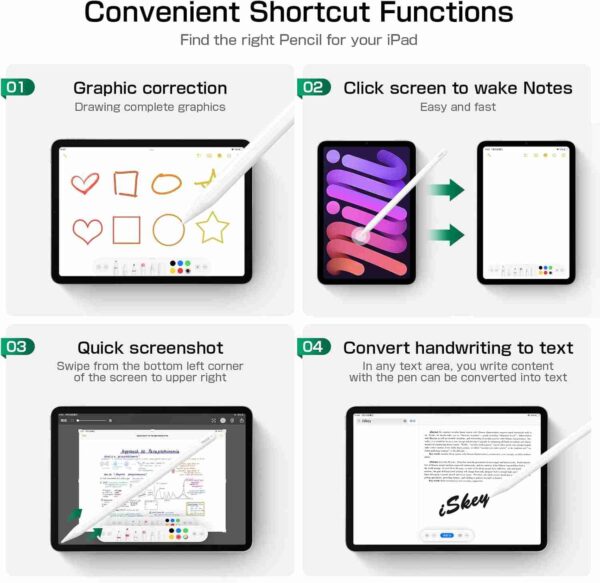
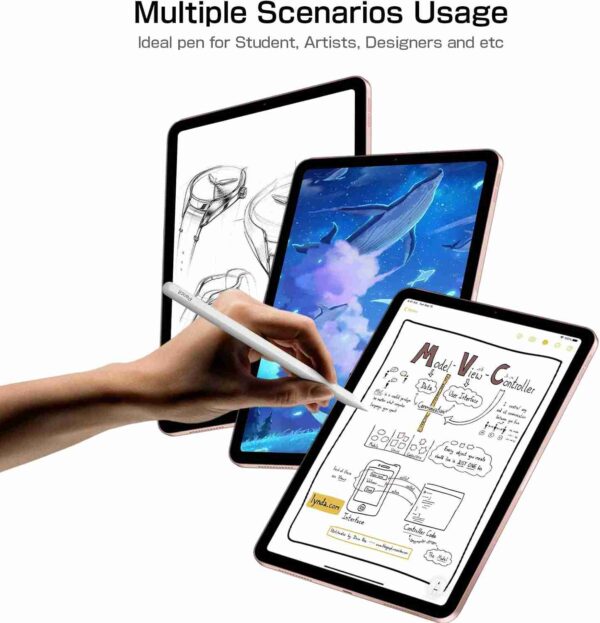
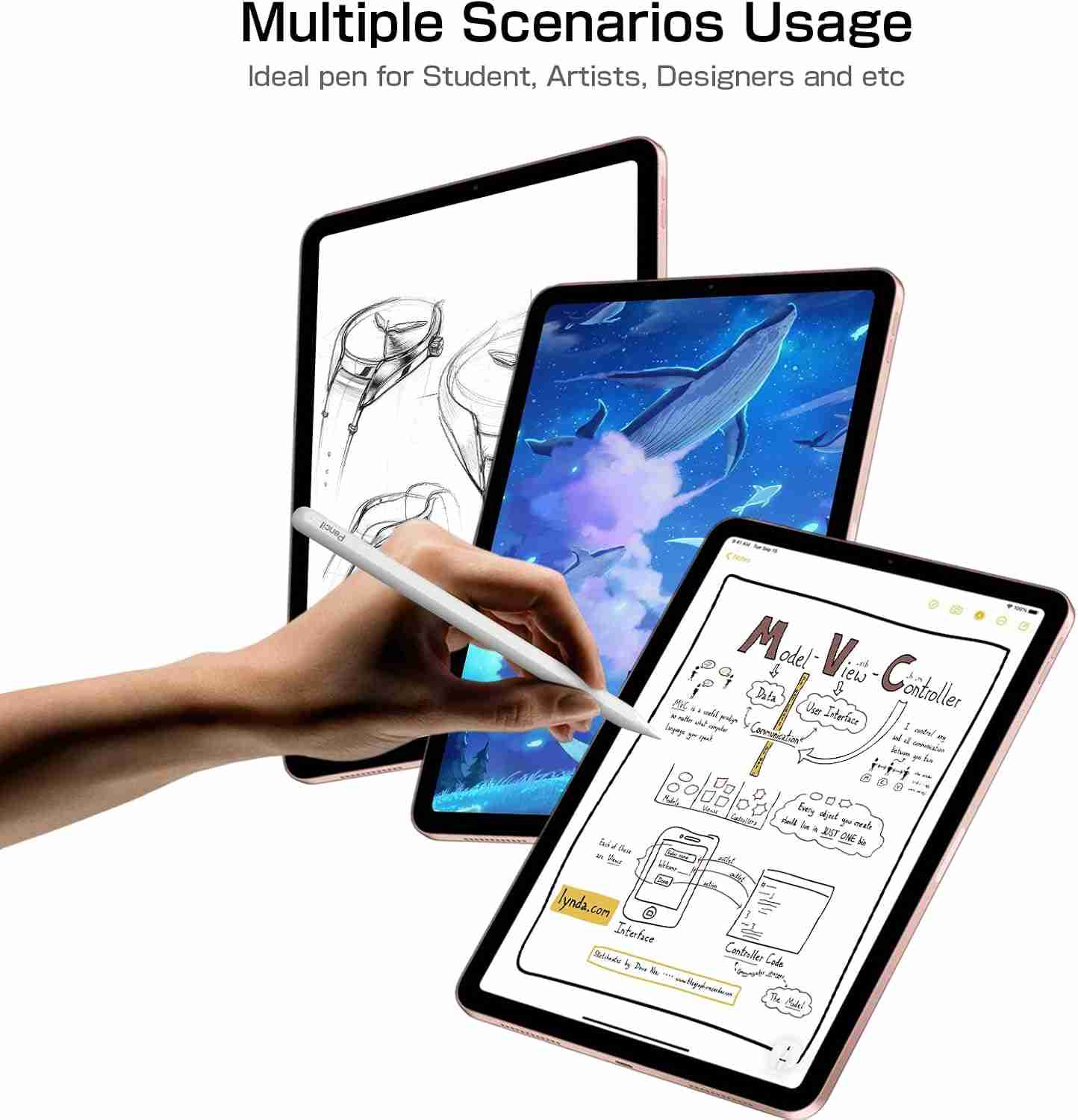
• Supports tilt sensitivity, great for color fills, sketching, drawing and designing, taking notes and etc.


How to Connect Bluetooth?
NOTE: If you have connected to another stylus pen models before, please disconnect its Bluetooth before!
Step 1: Double tap to turn on
Step 2: Turn on the Bluetooth
Step 3: Select and pair Bluetooth “V-PEN”
How to Add Power Display Widge?
NOTE: There are three power display methods, which can be selected by sliding.
Step 1: Long press on the iPad home screen
Step 2: Click on the”+” sign in the upper left corner
Step 2: Add battery display widget which your preferred


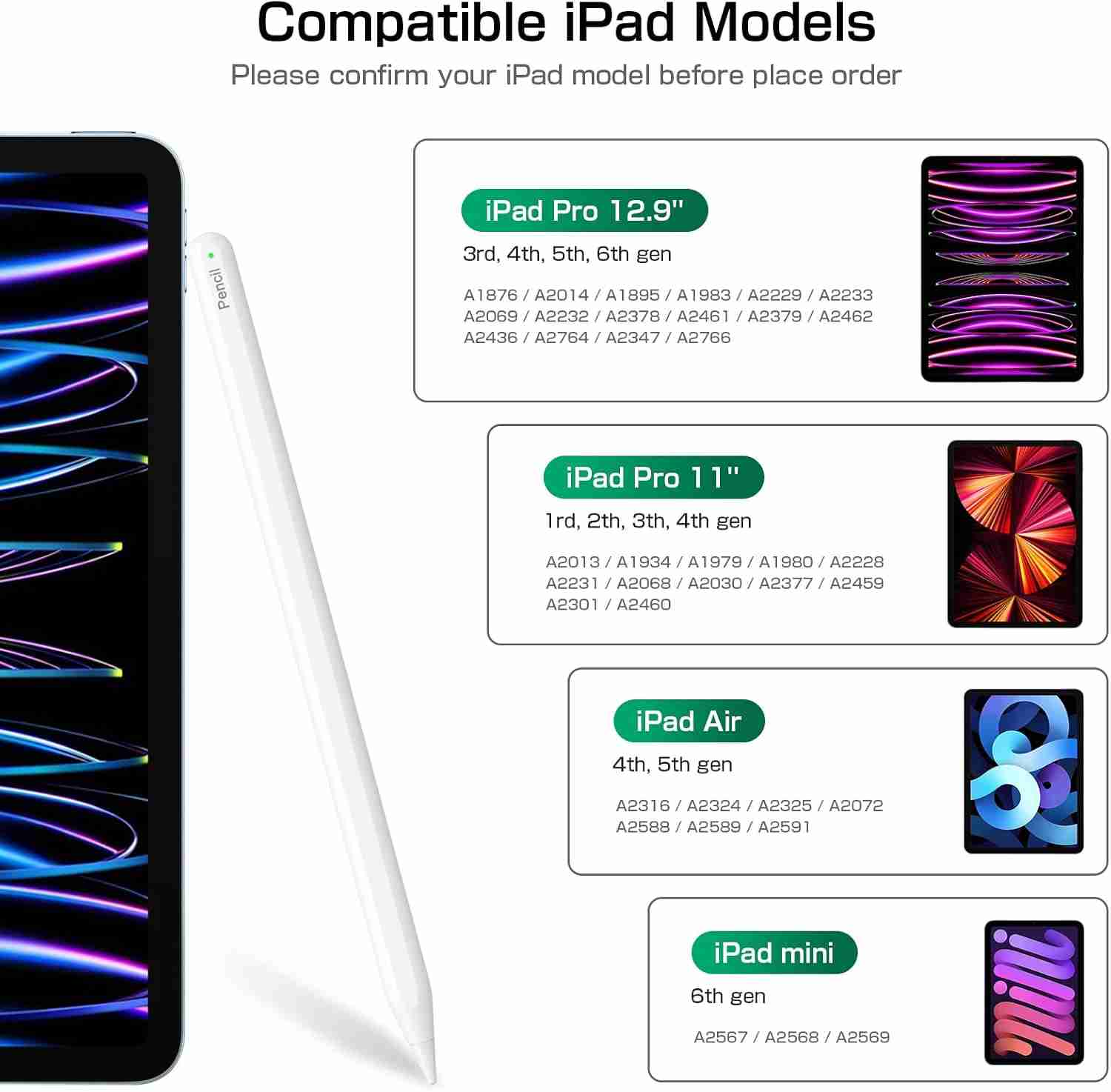
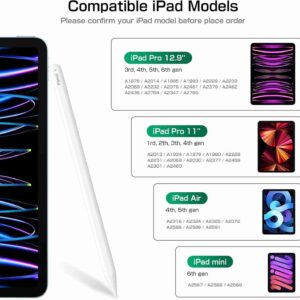
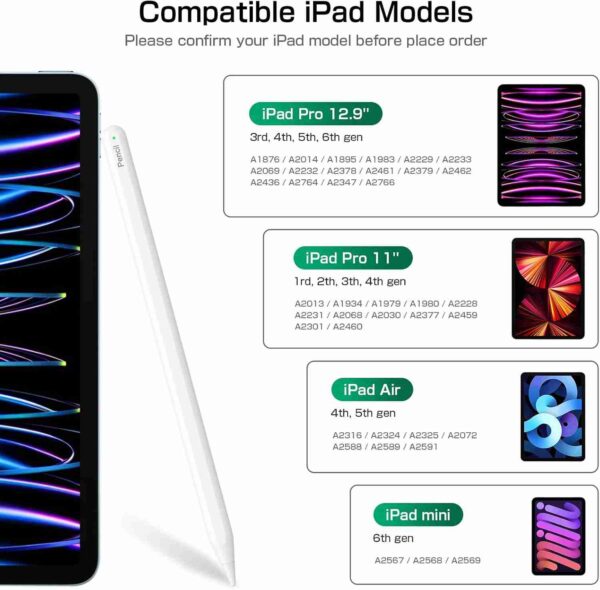
NOTE: Please check that your iPad model is compatible before purchasing.
Confirmation steps:
1. iPad Settings → General → Information → Model.
2. View directly at the back model of the iPad.
Precautions before use:
• All iPad models should be updated to iOS 12.2 or later.
• Before using the ipad pencil, please disconnect the Bluetooth connection between the iPad and the Aple Pencil.
• Disable “Settings” – “Aple Pencil” – “Only draw with Aple Pencil” on iPad
Compatible with iPad Pro 12,9″ 6/5/4/3, iPad Pro 11″, iPad Air 4/5, iPad Mini 6Description
About This Product:
Newest iSkey ipad pen designed to unleash your imagination and creativity, is a great replacement for Apple Pencil 2nd Generation!
• Without the charging cable design, magnetically attach to the side of the iPad and wirelessly charge at any time.
• After connecting via Bluetooth, the battery level will be displayed in real-time.
• Pixel-level ultra-high precision and sensitivity, no disconnection, 0 lag.
• Palm rejection function, freely place your hand on the iPad screen.
• Supports tilt sensitivity, great for color fills, sketching, drawing and designing, taking notes and etc.
How to Connect Bluetooth?
NOTE: If you have connected to another stylus pen models before, please disconnect its Bluetooth before!
Step 1: Double tap to turn on
Step 2: Turn on the Bluetooth
Step 3: Select and pair Bluetooth “V-PEN”
How to Add Power Display Widge?
NOTE: There are three power display methods, which can be selected by sliding.
Step 1: Long press on the iPad home screen
Step 2: Click on the”+” sign in the upper left corner
Step 2: Add battery display widget which your preferred
NOTE: Please check that your iPad model is compatible before purchasing.
Confirmation steps:
1. iPad Settings → General → Information → Model.
2. View directly at the back model of the iPad.
Precautions before use:
• All iPad models should be updated to iOS 12.2 or later.
• Before using the ipad pencil, please disconnect the Bluetooth connection between the iPad and the Aple Pencil.
• Disable “Settings” – “Aple Pencil” – “Only draw with Aple Pencil” on iPad
Compatible with iPad Pro 12,9″ 6/5/4/3, iPad Pro 11″, iPad Air 4/5, iPad Mini 6






Reviews
There are no reviews yet.